Ozil AI Goal Video
Ozil AI. One photo. One chip. One empty net.
You, scoring the viral Ozil goal.
Doing the Ozil goal trend? Make yours
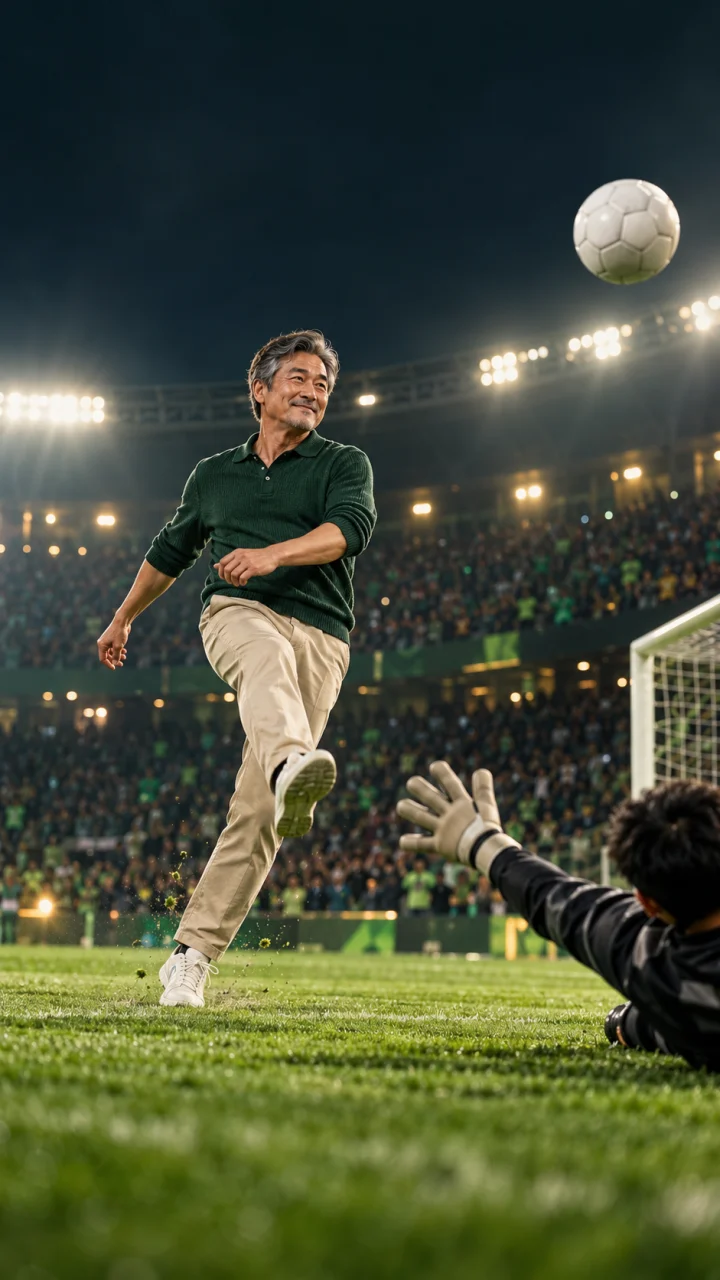 Photo in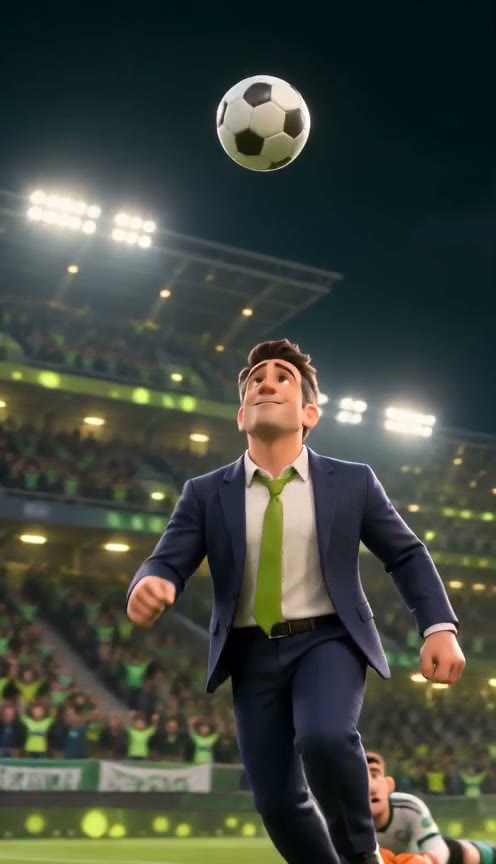
 Photo in
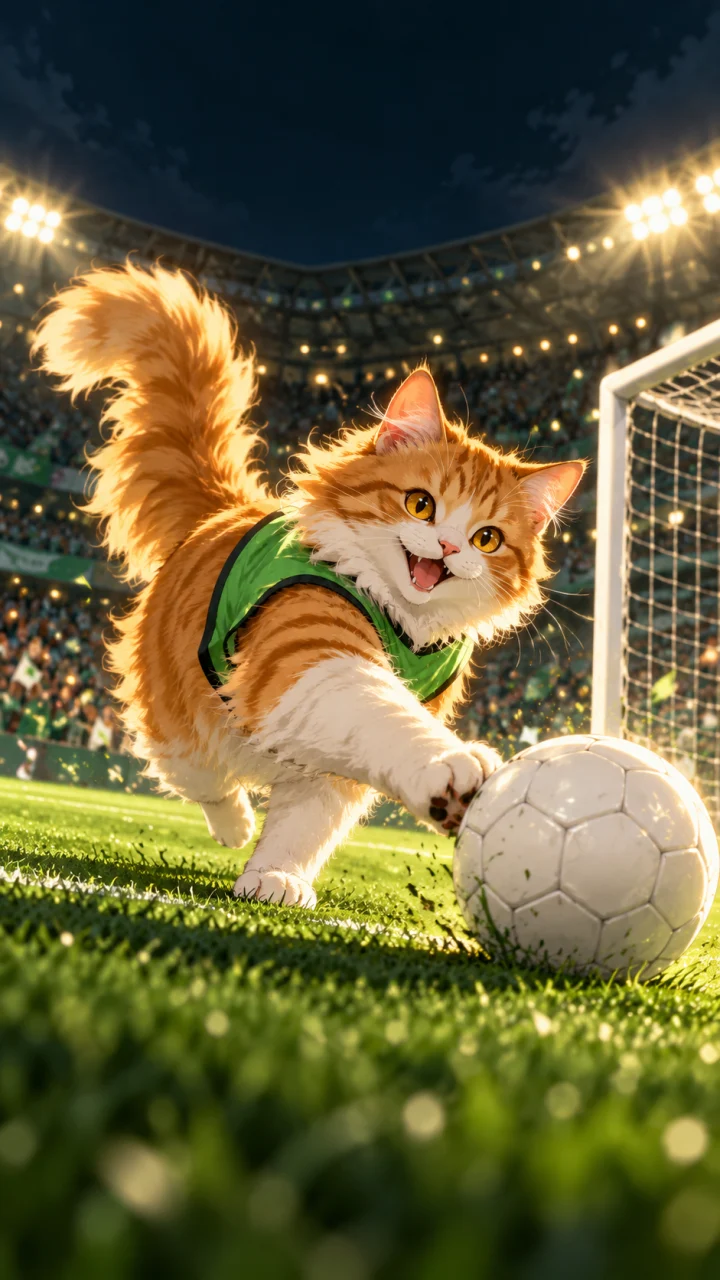 Photo in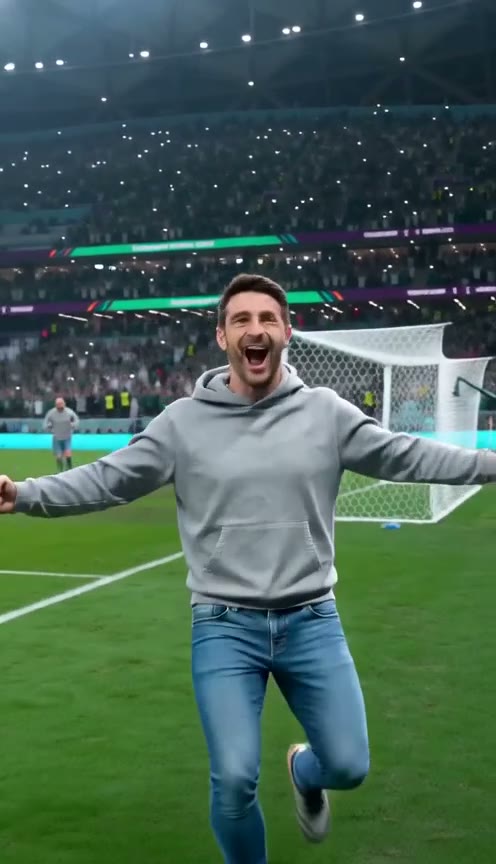
Ozil AI goal generator
Photo tips1Add your photo: one person or pet
Your photo · Scorer
You, a friend, or your cat or dog. One per photo, facing the camera.
2Pick the clip
4Pick model & quality
One-time credit packs. Generation currently requires sign-in. Credits are returned if generation fails.
One photo went in. This came out.
See a complete 15-second goal generated from one photo.
This realistic sample was generated by our service. The page background and four moments below come from this video. AI results vary between generations.
My goal · Real · Keep my look · Fast · 480p · 15s · Music included
Download video with musicPlay or turn sound on to listen. The downloaded MP4 includes the music.
- Clip
- Ozil empty-net goal
- Outfit
- Keep my look
- Style
- Real
- Model
- Fast
- Format
- 9:16 · 480p · 15s
Four moments in fifteen seconds
These four frames come from the default realistic sample.
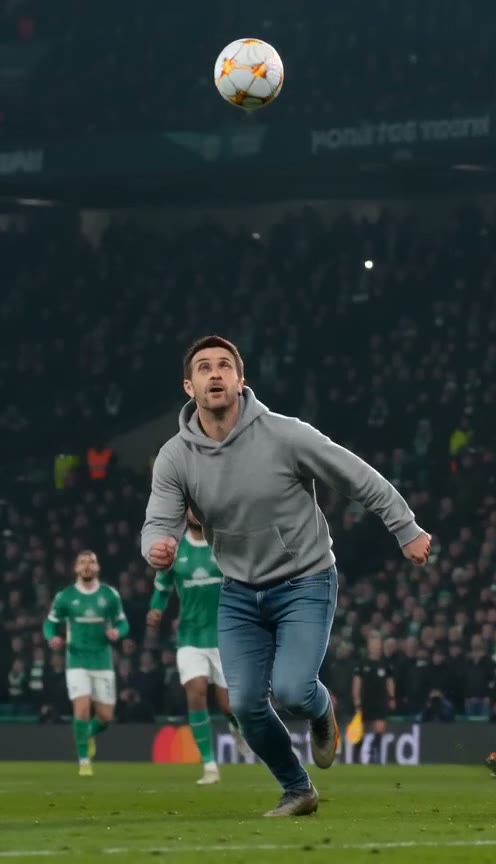
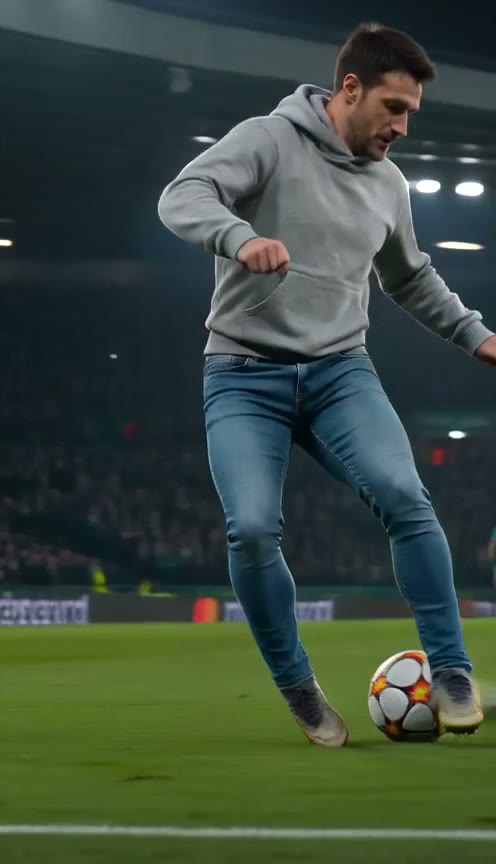
0–3sThe chip
The keeper rushes out. One light touch lifts the ball over his head.
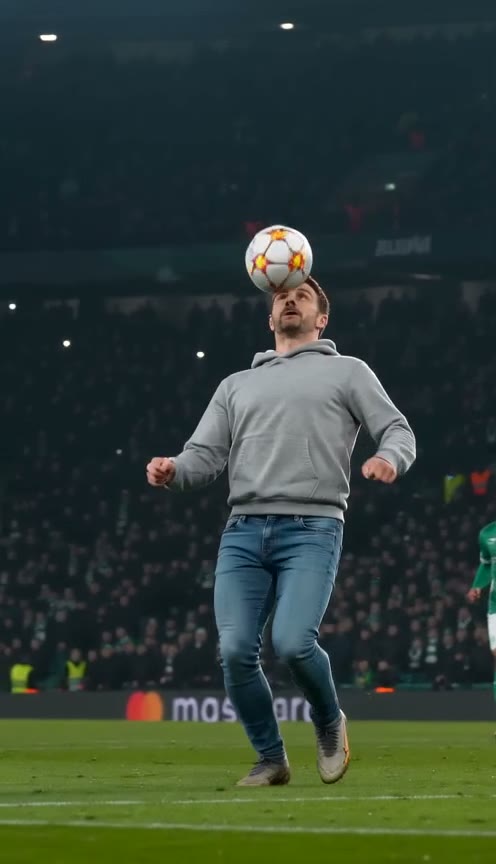
3–6sThe control
The ball drops, you kill it on your chest. The goal is wide open.
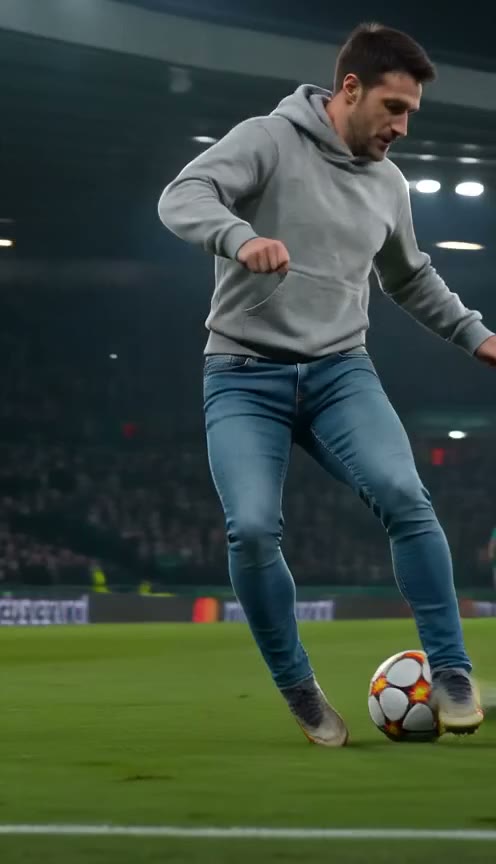
6–10sThe wait
Two defenders throw themselves in. You drag it back and let them slide by.
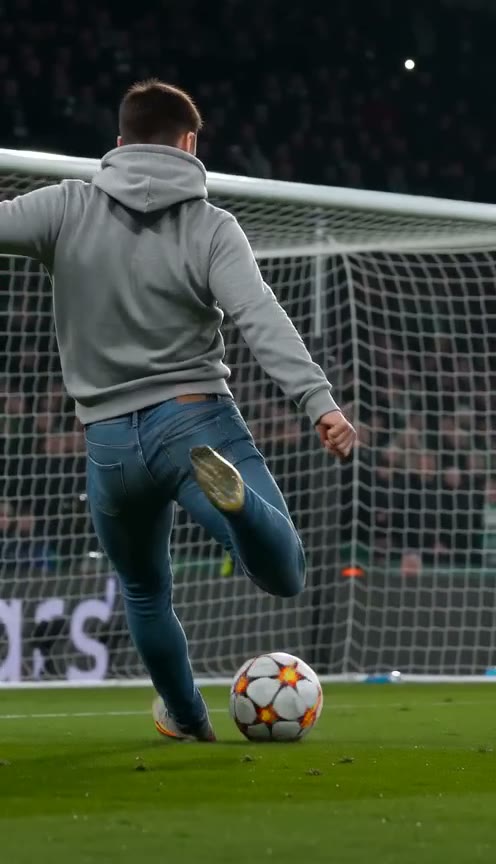
10–15sThe finish
No rush. A side-foot into the empty net, then the celebration.
From photo to goal in three steps
Better photo, more recognisable goal
Use a clear, evenly lit photo as your generation reference.
Works best
- One person or one pet in the photo
- Face towards the camera, eyes visible
- Daylight or even indoor light
- At least 720 px wide, head and shoulders or full body
Avoid
- Group photos or friends cropped out at the edge
- Sunglasses, masks or heavy beauty filters
- Children, celebrities, footballers or anyone who hasn't agreed
- Tiny, blurry or screenshot-of-a-screenshot images
Three ways to make the Ozil goal video
You don't have to use us. Here is how the routes compare.
A free prompt in an AI video app
Free daily credits, then paid plans
Write the prompt, find a reference clip, re-roll until the face and the move both work
Full control, if you have the patience
A CapCut template
Free or a subscription
Low
Quick, but faces drift and exports may carry a watermark
This site
From 5 credits a video · one-time packs or optional monthly plans
One photo, three clicks
One-photo generation with outfit and style controls; check the sample before ordering.
Buy credits once, score any time
$6.99 for your first Single pack, then $9.99 at list price; a running sale may lower later purchases. Credit packs are one-time purchases. Monthly plans are optional and can be cancelled or switched anytime in the Stripe customer portal. Pack credits never expire.
- 10 credits · one-time
- 2 Standard videos at 480p
- 1 Fast video at 480p
- List price: $9.99
- $0.70 per credit
- 30 credits · one-time
- 6 Standard videos at 480p
- 3 Fast videos at 480p
- List price: $19.99
- $0.53 per credit
- Saves $9.98 vs buying Singles (list prices)
- 50 credits · one-time
- 10 Standard videos at 480p
- 5 Fast videos at 480p
- List price: $29.99
- $0.48 per credit
- Saves $19.96 vs buying Singles (list prices)
- 150 credits · one-time
- 30 Standard videos at 480p
- 15 Fast videos at 480p
- List price: $59.99
- $0.40 per credit
- Saves $89.86 vs buying Singles (list prices)
One-time credit packs. Generation currently requires sign-in. Credits are returned if generation fails. All plans
Where the Ozil goal came from
From a classic football move to an AI video starring you.
This is an independent fan tool. It is not affiliated with, endorsed by or connected to Mesut Özil, any club, TikTok or ByteDance. Our videos use AI-made players and stadiums, never real match footage.
- 1 Nov 2016
Mesut Özil scores away at Ludogorets in the Champions League: a chip over the keeper, two defenders sent sliding, then a tap into the empty net.
- THE CREATIVE IDEA
People and pets can take the lead. Upload a photo and let AI reinterpret the chip, touch, and finish.
- YOUR VERSION
Choose an outfit and visual style, then generate your own goal sequence.
Ozil AI goal questions
It is the AI trend where people put themselves, a friend or a pet into Mesut Özil's famous calm goal: a chip over the keeper, two defenders sliding past and a tap into the empty net. Here you upload one photo and get the finished 15-second video with your face as the scorer.
Upload one clear photo and choose an outfit and style. Open Generation settings to choose a model and resolution. Generation currently requires sign-in and credits; the exact credit cost appears before you start.
No. One clear, front-facing photo of one person or pet is enough. The keeper and defenders are AI-made, so you don't need photos of anyone else.
You can try a clear photo of your pet’s face. AI reimagines the pet as the main player. Movements and resemblance vary between generations.
Generation takes several minutes and depends on the model, resolution, and queue. The form shows an estimate. Follow the job in My videos.
$6.99 for your first Single pack, then $9.99 at list price; a running sale may lower later purchases. At 480p a 15-second goal costs 5 credits on Standard, 10 on Fast, 20 on Pro and 25 on Ultra. 720p costs more, and Ultra also renders at 1080p for 95 credits. The generator shows the exact price before you start. Credit packs are one-time purchases. Monthly plans are optional and can be cancelled or switched anytime in the Stripe customer portal. Pack credits never expire. Monthly credits are granted with each paid invoice and last until the next renewal plus 1 day.
No. The MP4 you download has no watermark or logo, so you can post it straight away.
Yes. Once the soundtrack is ready, your downloaded vertical MP4 includes music and is ready for TikTok, Instagram Reels, and YouTube Shorts. You can replace the music in your publishing app.
Choose Standard, Fast, Pro, or Ultra, each using a different Seedance model. Generation settings show each model’s credit cost, resolution options, and estimated wait.
Credits are automatically returned if the generation job fails. Faces, actions, and details can vary with each AI generation. Check the sample before deciding to generate.
Your photo is sent to the video generation service to create the video. Only upload photos you have permission to use. Read the privacy policy for data handling details.
No. This independent fan tool is not affiliated with or endorsed by Mesut Özil, Lamine Yamal, any club, TikTok or ByteDance. Players and stadiums are AI-generated; real match footage is never used.
Ozil AI goal guides
The Ozil trend turns the calm finish from Arsenal’s 2016 away win at Ludogorets into a personal AI scene. Understand the reference, plan a respectful joke and choose a workflow that fits your budget before generating. Ozil goal trend: where the calm finish began
Decide what kind of video you want
A football meme can be a quick photo edit, a newly generated scene or a clip made for a private conversation. Those goals need different amounts of effort. If you only want a still photo to appear in a familiar edit, a free editing template may be enough. If you want the subject to perform new football movement, look at an image-to-video workflow. Watch the examples before paying for a render so you know which kind of result the generator offers.
OzilGoal’s two current clips make a 15-second vertical scene from one photo. The Ozil goal focuses on the patient finish; Yamal rabona gives the subject a different move. Both accept people and pets. Choose the action for the story you want to tell, then use a style and outfit that make sense for the subject. A cartoon family joke and a more photographic self-portrait can use the same controls for different purposes.
Check the photo before you check out
Choose one clear subject with an unobstructed face. A group photograph, a tiny face or a screenshot covered in text gives the model competing information. For a pet, try a front-facing view with the full body visible in good light. You do not need to stage a shot on a real football pitch. Use a comfortable, ordinary pose and let the generator create the scene around it. The photo guide explains the input choices in more detail.
Permission has two parts: uploading a photo and sharing the resulting video. Ask the person about both, including the caption you intend to add. A colleague’s public profile photo is not automatic permission for a workplace meme. With family pictures, check for private details in the background before uploading. When the result is ready, show the subject the finished version before making a public post.
Choose a budget for the whole idea
The generator charges credits for a personal render. Check the model, resolution and displayed charge together rather than assuming a pack buys the same number of videos at every setting. Higher resolution changes the pixel dimensions; it does not guarantee a more accurate face, better ball contact or a funnier result. Start with the purpose of the clip and decide what you are willing to spend before submitting several variations.
If your plan depends on getting an exact expression or a precise movement on the first attempt, allow for the limits of generated video. A template guides the scene but cannot promise an identical result. Watch the existing examples, read the free-routes comparison and choose an editing workflow when that is enough. There is no requirement to buy credits to participate in a joke or share a football reference with friends.
Review the saved file before posting
A completed job is the point at which you can judge the actual video. Preview the face, limbs, ball and ending, then listen with sound enabled. The sample soundtrack helps set the mood, but you should check the sound in your own download as well. Open the saved file on the device you intend to post from. That catches a muted preview, an unwanted trim or an incomplete save before the clip reaches an audience.
Keep captions short enough to read during the action. Put text away from the face and ball, and preview the post inside TikTok, Reels or Shorts because their controls cover different parts of the screen. Add an AI label and check the platform’s disclosure and audio requirements. A small set of relevant hashtags can describe the post. No caption, setting or hashtag guarantees reach, so judge the result by whether the intended audience understands and enjoys it.
Your turn to take the shot.
From 5 credits · 15-second vertical video · Credits returned on failure
Make my goal